v0.6.8 - Budget view and milestone progress
New:
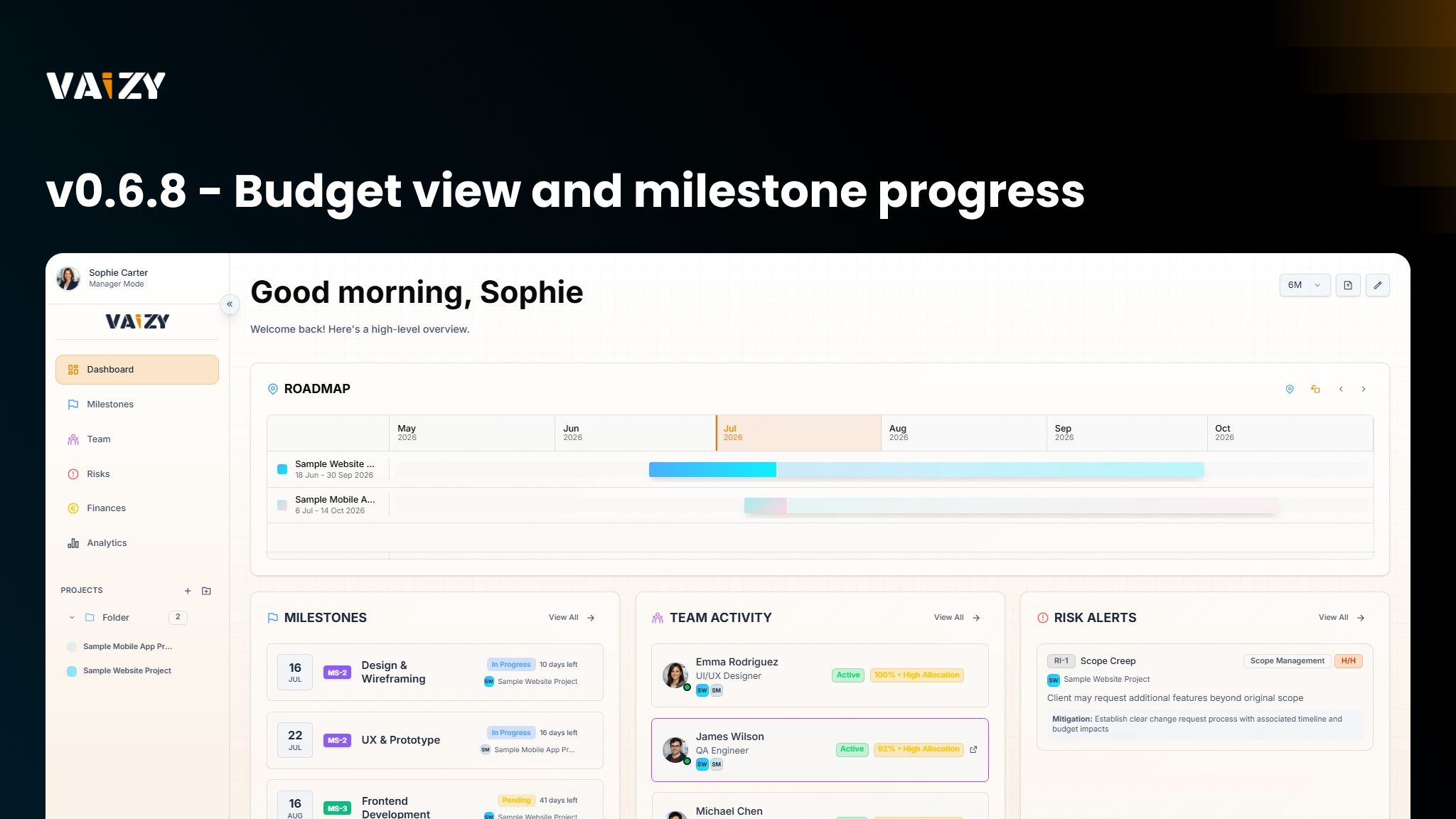
Dashboard: The Cash Flow widget now has a Cash Flow / Budget toggle whenever the selected project(s) have a budget set. Budget view plots spend to date against a dashed budget line, and the tooltip shows the remaining budget, green when under and red when over.
Milestones: Milestones now show a manual progress slider when no deliverables are defined. Completed milestones always read 100%, and milestones with a deliverables checklist derive progress automatically from completed items.
Finances: Clicking a transaction in the CashFlow Recent Transactions view now jumps to the table, scrolls to that row, and highlights it. Rows are keyboard-accessible with Enter or Space.
Improved:
Risks: Probability and impact now use the same VL/L/M/H/VH codes across the dashboard Risk Alerts widget and all Risks views, and dragging cards in the Kanban and matrix views feels more responsive.
Dashboard: Recent Transactions cards now display the related milestone, order by when a transaction was entered rather than its effective date, and no longer repeat the project name when the dashboard is narrowed to a single project.
Team: Editing a member's cost settings now regenerates their salary transactions automatically, so finance rows always match the latest compensation.
Milestones: The resource planning matrix checkboxes are bigger and easier to hit.
Settings: The Team, Risks, and Finances inline form cards now use the same card padding as the milestone form, and chat and finance rows carry a light in-theme border for clearer separation.
Fixed:
Milestones: The milestones list now renders due dates in the date format chosen in your profile instead of the browser locale.
Milestones: Completing a milestone can no longer momentarily show a completed status while its progress reads below 100%.
Importing: Milestones created through import are now assigned sequential MS-N codes during the import itself, instead of arriving uncoded or colliding with existing codes.
Platform: Several reliability fixes resolve cases where background functions stopped responding, and background cost recalculation after milestone and team edits now avoids duplicate or stuck runs when many edits land close together.