v0.6.9 - Quicker data imports & improved UX
New:
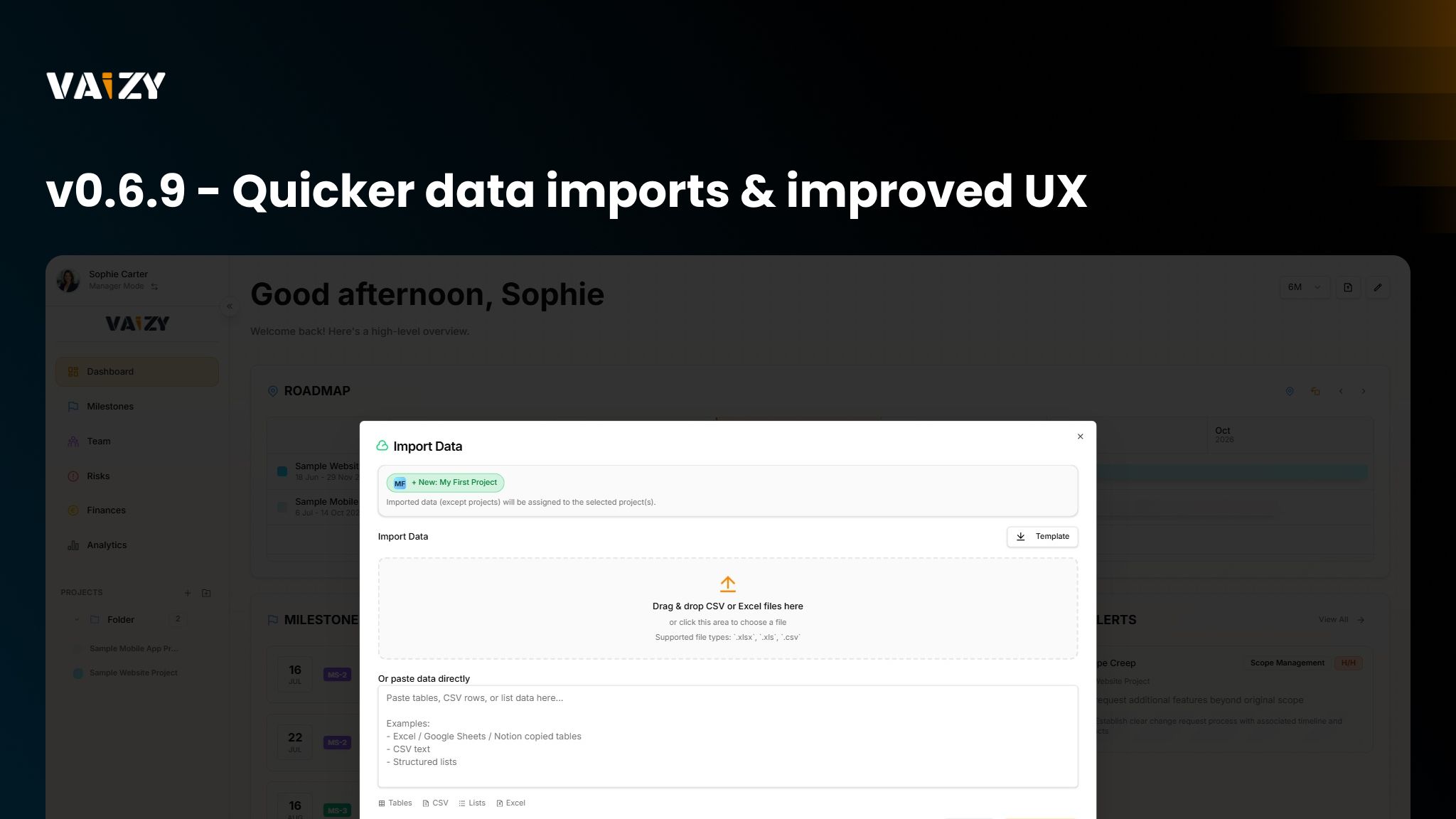
Imports: The import dialog now supports importing time entries from Excel, CSV, or pasted data.
Imports: Multi-tab excel/csv files are now supported for quicker multi-data type imports.
UX: Type a date directly in the calendar date-picker to jump straight to it instead of navigating manually.
Pages: The display view (table, kanban, etc.) can now be set independently for each page instead of sharing one workspace-wide setting.
Table Views: Previously hidden columns can now be unhidden and shown in table views.
Improved:
Settings: dd/MM/yyyy is now the default date format across onboarding, settings, and import templates. Ambiguous dates in imported files are disambiguated using your profile's date format.
Projects: Reordering project folders and projects feels more responsive and can be adjusted straight from the sidebar.
Dashboard: Rearranging widgets now saves automatically, drop preview sizing is fixed, and pressing Escape exits edit mode automatically.
Fixed:
Finances: A member's salaried cost row could stay anchored to a milestone after they were unassigned from it. This is now cleaned up automatically.
Risks: Custom risk categories work again after a regression broke selection.
Projects: No more flashes when editing projects in Settings.
Projects: Adding a template now shows the loading icon only on the template you picked.