v1.9.2 - Vaizy AI what-if questions & drag to select
New:
Vaizy AI: ask what happens if a milestone slips, a project moves, someone joins, costs change or scope is cut, and see the schedule, knock-on and cost impact without anything being saved. It can also rank your projects by which need attention first.
Vaizy AI: watch each step while it works, stop it, retry or edit your question, and undo a change it saved. Ask Vaizy buttons appear on Portfolio Health, the EVM widgets and milestone rows.
Vaizy AI: workspace owners and admins can choose the model in Settings > General (Pro/Enterprise). Enterprise workspaces can also use their own provider key or OpenAI-compatible endpoint.
Projects: Add Project opens on a choice: start from a template, import a file, start blank, or describe the project to Vaizy AI.
Table & Kanban Views: drag over rows or cards to select them all, then drop one card in a Kanban column or Risk matrix cell to move the whole selection.
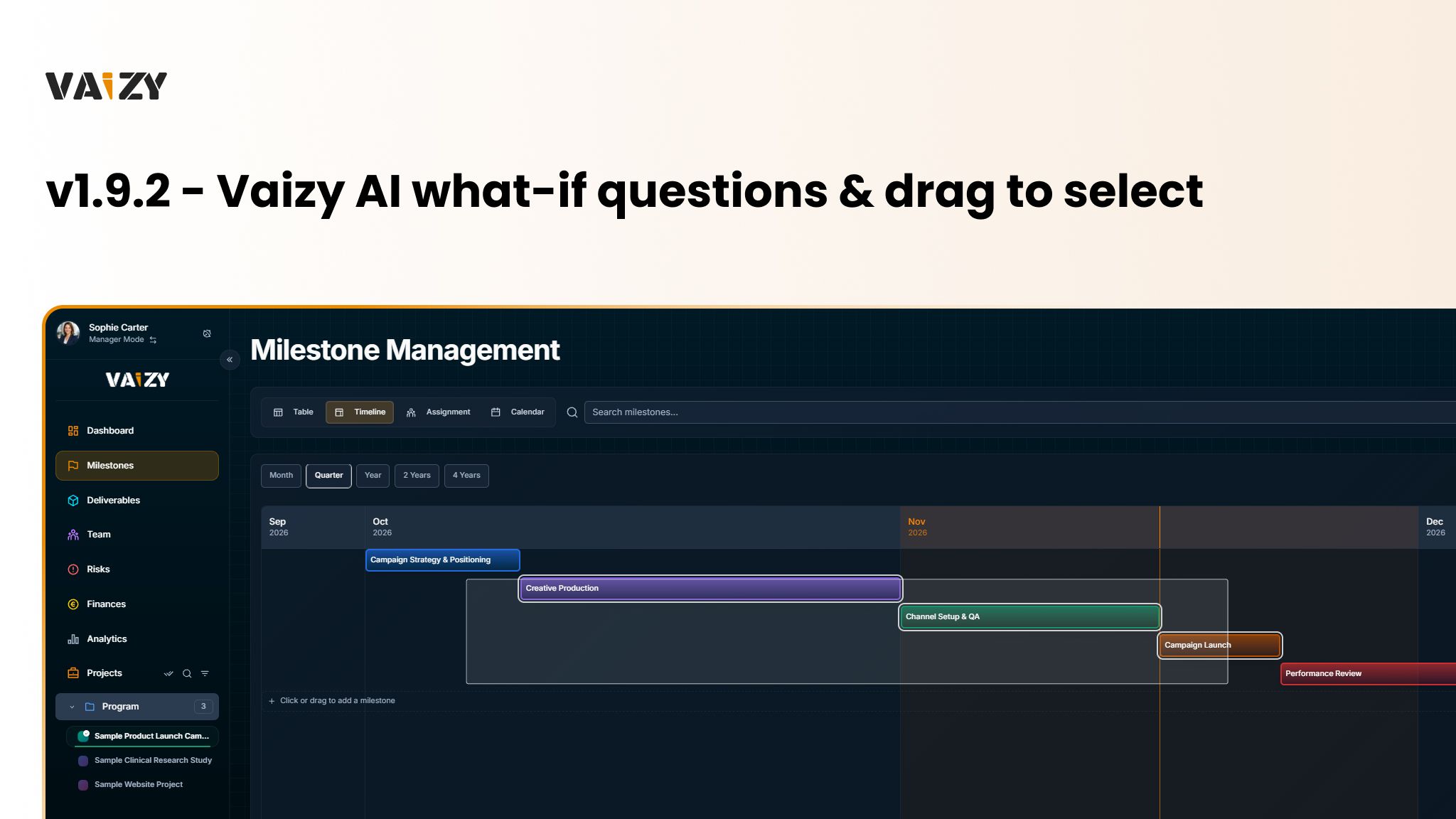
Timeline: click Add Milestone or draw on an empty lane to add a milestone, and move or resize several milestones together while seeing how team cost changes.
Right-click Menus: right-click a milestone bar, card, table row, calendar entry or capacity row for Ask Vaizy, Edit, Duplicate and Delete.
Workspace: archive, unarchive or delete several projects at once in Settings > Projects.
Deliverables: in the RACI view, hover or drag over cells and press R, A, C or I to set roles.
Team: adding someone to a project puts them on its open milestones within their contract dates.
Improved:
Vaizy AI: each person has a monthly credit allowance set by your plan, and the chat tells you when you're close and when it resets.
Finances: "Spent" means money already spent everywhere.
Forms: Create and Add buttons stay active, and pressing one with a field missing marks it in red and takes you there.
Pages: new colours for projects, avatars and milestones, avatars that load straight away, and Kanban boards that scroll sideways when they have many columns.
Dashboard: Calendar and chart widgets fill their tile, and widget lists fade at the edge when there's more to scroll.
Fixed:
Milestones: assigning several people at once keeps every one of them.
Projects: projects created from a template, an import or Vaizy AI stay in the program you started from.